Fix
Hair dryer blowing cold air or losing heat
Published
Short answer
First check the simple things: the cool shot may be locked on, or the heat dial may be on its lowest step. Next, unplug the dryer and clean the intake filter, because a clogged filter makes the dryer overheat and trip its thermal protection, which cuts the heat. If the air stays cold with a clean filter and the right settings, the heating element or its control has likely failed and the dryer needs warranty service or replacement.
Dryers and stylers for this
All 7 picks compared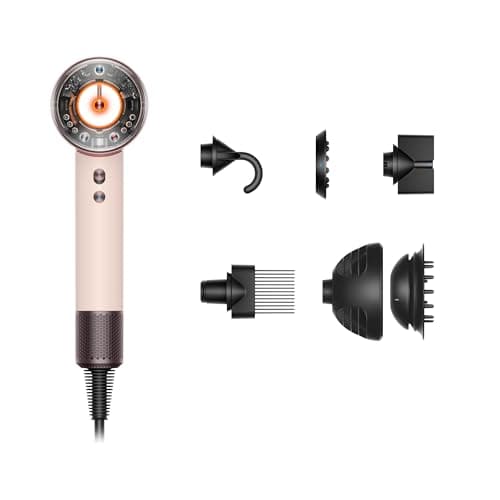
Dyson Supersonic Nural: scalp protect mode at 130°F
See price on AmazonSee it on Amazon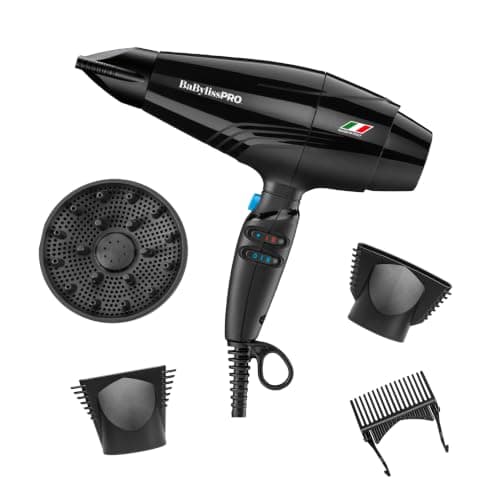
BaBylissPRO Rapido: 2000W brushless, 0.91 lb listed
See price on AmazonSee it on Amazon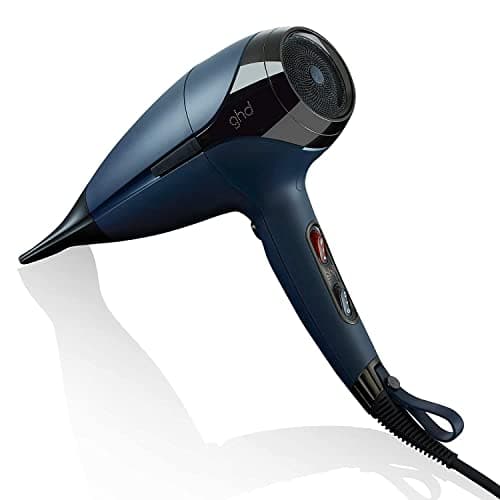
ghd Helios: 1875W brushless motor, 75mph airflow
See price on AmazonSee it on Amazon
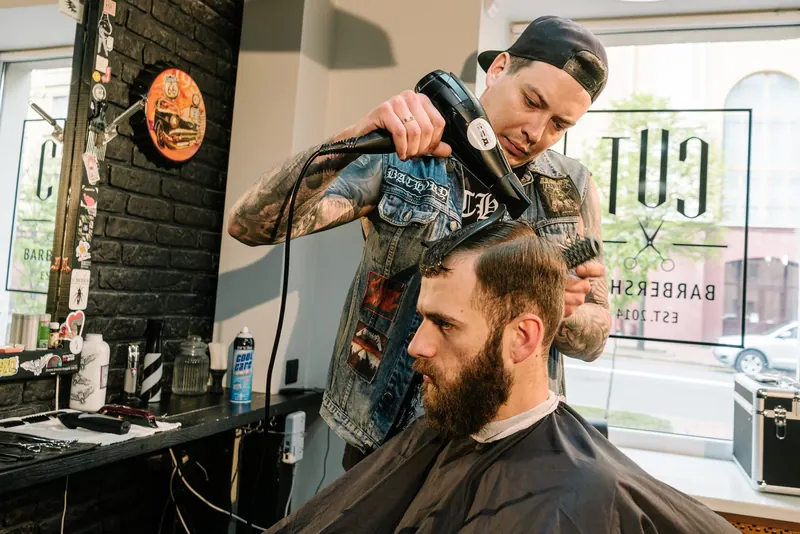
A dryer that runs but blows cold air is one of the most common hair tool problems, and it is often not a broken heater. Premium dryers have lock-on cool shots, separate heat and speed controls, sensors that lower heat on purpose, and thermal protection that cuts the heater when airflow is blocked. This guide is for anyone whose dryer, from a Dyson Supersonic to a T3, BaBylissPRO or ghd, has gone cold or lost heat. It goes from the quickest checks to the ones that point to a real fault, and it covers the case where a dryer only works on some speed settings.
Causes at a glance
Check these in order, from the quickest fix to the most involved. The first three cover most cases.
Cool shot on or locked
- Signs
- Cold on every setting
- Fix
- Release or unlock the cool shot
Heat set to lowest step
- Signs
- Air is barely warm
- Fix
- Turn heat up a step
Clogged intake filter
- Signs
- Weak airflow, gets hot then goes cold
- Fix
- Clean the filter, let it cool
Thermal cutout tripped
- Signs
- Heat stops mid-use, may return after rest
- Fix
- Unplug, cool, clean filter
Smart heat mode
- Signs
- Heat drops near scalp or when idle
- Fix
- Check the mode in the manual
Failed heating element or control
- Signs
- Cold on all heat settings with clean filter
- Fix
- Warranty or replace
| Cause | Signs | Fix |
|---|---|---|
| Cool shot on or locked | Cold on every setting | Release or unlock the cool shot |
| Heat set to lowest step | Air is barely warm | Turn heat up a step |
| Clogged intake filter | Weak airflow, gets hot then goes cold | Clean the filter, let it cool |
| Thermal cutout tripped | Heat stops mid-use, may return after rest | Unplug, cool, clean filter |
| Smart heat mode | Heat drops near scalp or when idle | Check the mode in the manual |
| Failed heating element or control | Cold on all heat settings with clean filter | Warranty or replace |
Step 1: check the cool shot and heat settings
Many dryers have a cool shot button you hold down. Some have a lock-in cool shot that stays on until you press it again. The T3 AireLuxe listing, for example, mentions a lock-in cool shot. If it is latched, the dryer will blow cold on every setting. Press it once and see if heat returns.
Next, check the heat control is not on the coolest step. On dryers with separate heat and speed controls, such as the Neuro Halo with 3 heat and 3 airflow settings, it is easy to turn airflow up and leave heat at the lowest step. Read cool shot button explained and hair dryer temperature explained.
Step 2: clean the filter
Every dryer pulls air in through an intake at the back or base, usually behind a mesh filter. When that filter clogs with lint, dust and hair, less air passes over the heating element. The element and motor run hotter, and the dryer's thermal protection cuts the heat or shuts it off to prevent overheating. That is why a dirty dryer often runs hot for a few minutes, then blows cold or turns off.
Unplug the dryer, let it cool and remove the filter cover if it comes off. The BaBylissPRO Rapido, Dual Ionic and Nano Light listings mention removable filters. Brush the mesh clean with a soft, dry brush and refit it. The Neuro Halo even has a clean filter indicator light. Full steps are in how to clean a hair dryer filter.
- 1Air intake and filter: keep it clean, or the dryer runs hot
- 2Motor and fan: pull air in and push it forward
- 3Heating element: warms the air as it passes
- 4Ion generator, on dryers that list one
- 5Nozzle: where attachments clip on
- 6Heat and speed buttons
- 7Cool shot button: unheated air to set the style
- 8Cord
Note.Always unplug the dryer before removing the filter cover. Never poke anything into the air intake or nozzle while it is plugged in.
Step 3: rule out smart modes
Some newer dryers lower heat on purpose. The Dyson Supersonic Nural listing describes a scalp protect mode that automatically lowers heat when the dryer is close to the scalp, and pause detect, which switches off the heater and reduces airflow when no motion is detected. If you set the dryer down or hold it still, it can feel like it went cold. Pick it up and move it, or switch scalp protect off, and check whether heat returns.
Dryers with automatic heat control, like the T3 Aire IQ with Heat ID, also adjust heat based on settings and attachments. Check the manual before assuming a fault. See how to use the Dyson Supersonic Nural.
Works on some speeds but not others
A common complaint is a dryer that works on high but not on low speed, or heats on one speed only. On some designs the heat steps available depend on the speed setting, so check the manual first. If a speed or heat step that used to work is now dead while the others still work, the switch, control board or part of the heating circuit has likely failed. That is not a user fix.
Contact the maker if the dryer is in warranty. Opening the housing yourself can void the warranty and exposes wiring that may still hold a charge.
When the heater has failed
If the air is cold on every heat setting, the cool shot is off, the filter is clean and the dryer has rested, the heating element or its control has most likely failed. On a dryer under warranty, contact the maker. Out of warranty, a premium dryer repair is often not worth it compared with replacement.
If you are replacing it, see how to choose a hair dryer and our best hair dryers over $150. Also read hair dryer trips breaker if the dryer is cutting power to the outlet.
Note.Stop using any dryer that sparks, smells of burning plastic, or has a damaged cord. Unplug it and do not use it again until it has been checked or replaced.
Frequently asked questions
Why is my hair dryer blowing cold air all of a sudden? The most common causes are a locked cool shot, a clogged filter that tripped the thermal cutout, or a smart mode lowering heat. A failed element is the cause once those are ruled out.
Can a dirty filter stop a dryer heating? Yes. A blocked intake reduces airflow, the dryer overheats, and thermal protection cuts the heat. Cleaning the filter often brings it back.
Why does my Dyson Supersonic go cold when I put it down? Dyson lists pause detect on the Supersonic Nural, which turns off the heater when no motion is detected. It heats again when you pick it up.
Is it safe to keep using a dryer that only blows cold? If the cause is a setting or filter, yes after you fix it. If it smells burnt, sparks or the cord is damaged, stop using it.