Fix
Dyson Airwrap flashing red or white light: what it means
Published
Short answer
A flashing light on the Dyson Airwrap is usually a warning, most often that the filter is clogged or the machine has overheated. Unplug it, let it cool, clean the filter, and try again. If a red light keeps flashing after cleaning and cooling, it can indicate a fault, so contact Dyson support, especially while the machine is under warranty.
Dryers and stylers for this
All 6 picks compared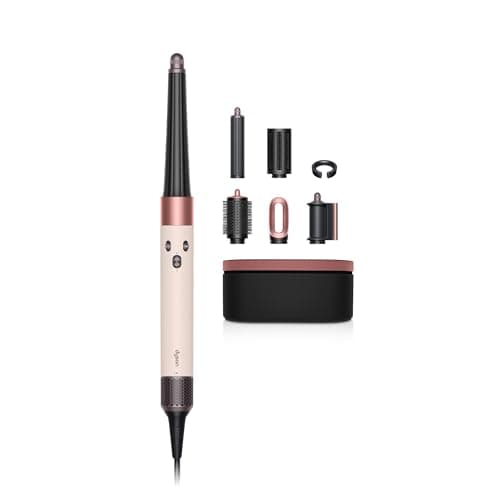
Dyson Airwrap i.d. Straight+Wavy: app-programmed curls
See price on AmazonSee it on Amazon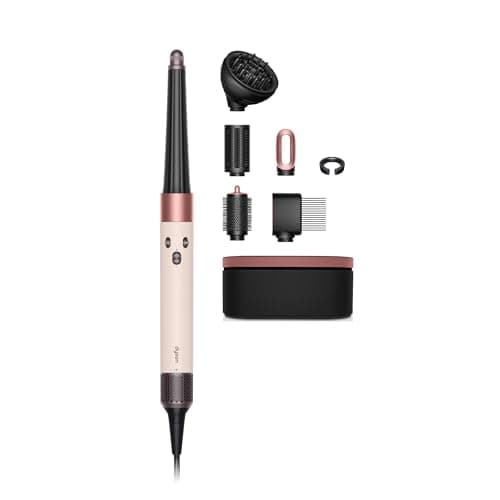
Dyson Airwrap i.d. Curly+Coily: stretch and diffuse modes
See price on AmazonSee it on Amazon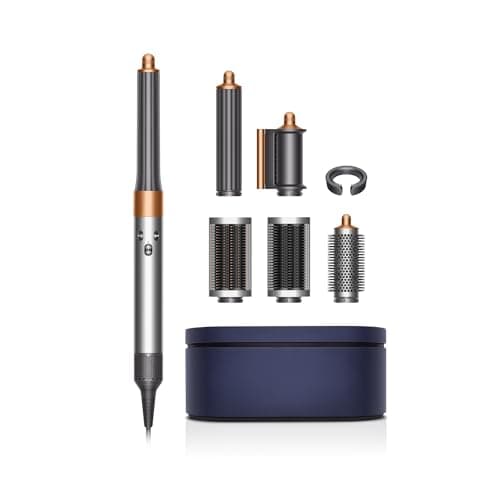
Dyson Airwrap Complete Long: V9 motor, 3 heat settings
See price on AmazonSee it on Amazon

The Airwrap uses lights on the handle to show settings and to warn you about problems. A steady light usually just shows the heat or airflow setting. A flashing or blinking light is different: it is the machine telling you something needs attention. The exact meaning varies between the original Airwrap and newer versions, so check the manual for your model. This page covers the common causes of a flashing red or white light, the fixes to try at home in order, and when to stop and contact Dyson.
What the lights usually mean
Indicator behavior differs between Airwrap generations, so treat this as a general guide and confirm in your manual. Steady lights usually show the selected heat and airflow levels. A flashing light is a warning. On many versions, a flashing light is tied to the filter needing a clean or the machine getting too hot. A red light that keeps flashing, especially if the machine will not run, can point to a fault that needs Dyson support.
Steady lights
- Common meaning
- Current heat and airflow setting
- First step
- Nothing to fix
Flashing light, machine slows or stops
- Common meaning
- Filter clogged or overheating
- First step
- Unplug, cool, clean filter
Flashing white after cleaning
- Common meaning
- Filter reminder or not reset
- First step
- Check manual for reset steps, refit filter cage
Red light flashing repeatedly, will not run
- Common meaning
- Possible fault
- First step
- Cool, clean, retry, then contact Dyson
| What you see | Common meaning | First step |
|---|---|---|
| Steady lights | Current heat and airflow setting | Nothing to fix |
| Flashing light, machine slows or stops | Filter clogged or overheating | Unplug, cool, clean filter |
| Flashing white after cleaning | Filter reminder or not reset | Check manual for reset steps, refit filter cage |
| Red light flashing repeatedly, will not run | Possible fault | Cool, clean, retry, then contact Dyson |
Common causes of a flashing light
Most of the time the cause is the filter. Dyson recommends cleaning it regularly, and many people skip it for months.
- Clogged filter: lint, hair and product residue block airflow, so the machine runs hot.
- Overheating: long continuous use on high heat, or a blocked air intake from hair, a towel or your hand covering the filter.
- Filter cage not seated: if the cage is loose after cleaning, the machine may not run normally.
- Power supply issue: extension cords, travel adapters or a loose outlet can cause odd behavior.
- Internal fault: if the light persists after everything else, the machine may need repair.
How to fix it: step by step
- 1
Switch off and unplug the Airwrap.
- 2
Let it cool for at least 10 to 15 minutes.
- 3
Remove the filter cage at the base of the handle and brush the mesh clean. See how to clean the Dyson Airwrap filter.
- 4
Refit the filter cage firmly so it sits flush.
- 5
Plug directly into a wall outlet, not an extension cord or power strip.
- 6
Switch on and test on medium heat and airflow.
- 7
If the light still flashes, check the manual for any reset step for your version, and contact Dyson support.
Note.Do not open the handle or try internal repairs. It can be unsafe and may affect your warranty.
Preventing the light from coming back
Clean the filter about once a week if you style most days. Keep the base of the handle clear while styling, since hair or a towel draped over the intake will choke airflow. Use lower heat settings when they do the job, and give the machine a short break during very long styling sessions.
If you use hairspray or dry shampoo, apply it after styling and away from the machine so residue does not build up on the filter. For general care across your tools, see how to clean a hair dryer filter.
Flashing light vs machine cutting out
A flashing light and the machine cutting out often go together, but they are not always the same problem. If the Airwrap stops and then restarts after a minute or two, that pattern usually points to thermal protection: the machine got too hot, switched off, cooled and came back. A blocked filter or covered intake is the usual reason. If the Airwrap stops and will not restart at all, even after cooling for 30 minutes on a known good outlet, that points more toward a power or internal problem.
A light that flashes while the machine keeps running normally is often just a reminder, commonly about the filter. Clean it, refit the cage, and see whether the light clears. If you have tried a clean filter, a cool machine and a different wall outlet, you have ruled out the common home fixes. For more on stopping mid-style, see Dyson Airwrap keeps cutting out and Dyson Airwrap not working.
When to contact Dyson
Contact Dyson if a red light keeps flashing after cleaning and cooling, if the machine will not power on, if you smell burning, or if the cord or plug is damaged. Have your serial number ready. It is printed on a label on the machine, and Dyson's support site shows where to find it for your version.
Dyson offers a limited warranty on the Airwrap, and terms depend on where and when you bought it. Read Dyson Airwrap warranty for what to check. If the machine is out of warranty and you are considering a replacement, compare current editions in our best Dyson Airwrap guide.
Frequently asked questions
Why is my Dyson Airwrap flashing red? Commonly a clogged filter or overheating. Unplug, cool, clean the filter and retry. If it continues, contact Dyson.
Why is my Dyson Airwrap flashing white? On many versions it relates to the filter. Clean the filter, refit the cage, and check your manual for any reset step.
Is it safe to keep using an Airwrap with a flashing light? No. Stop, unplug and find the cause first. The light is a warning.
Will Dyson fix a flashing Airwrap under warranty? Faults covered by the warranty are handled by Dyson support. Contact them with your serial number and proof of purchase.